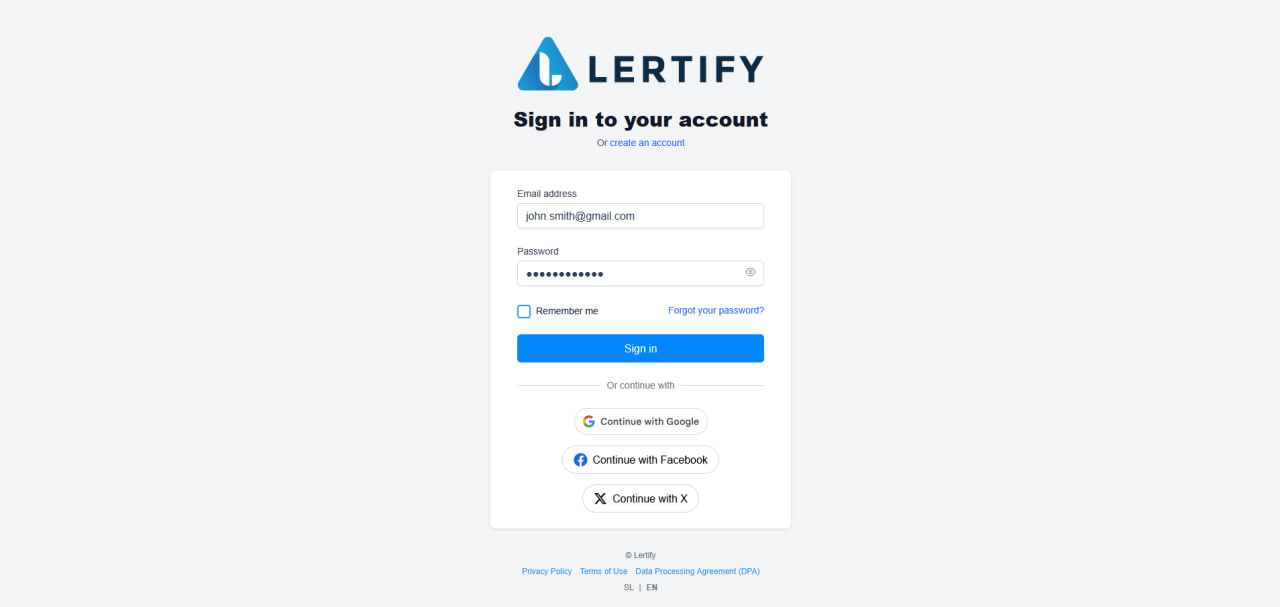
How to register
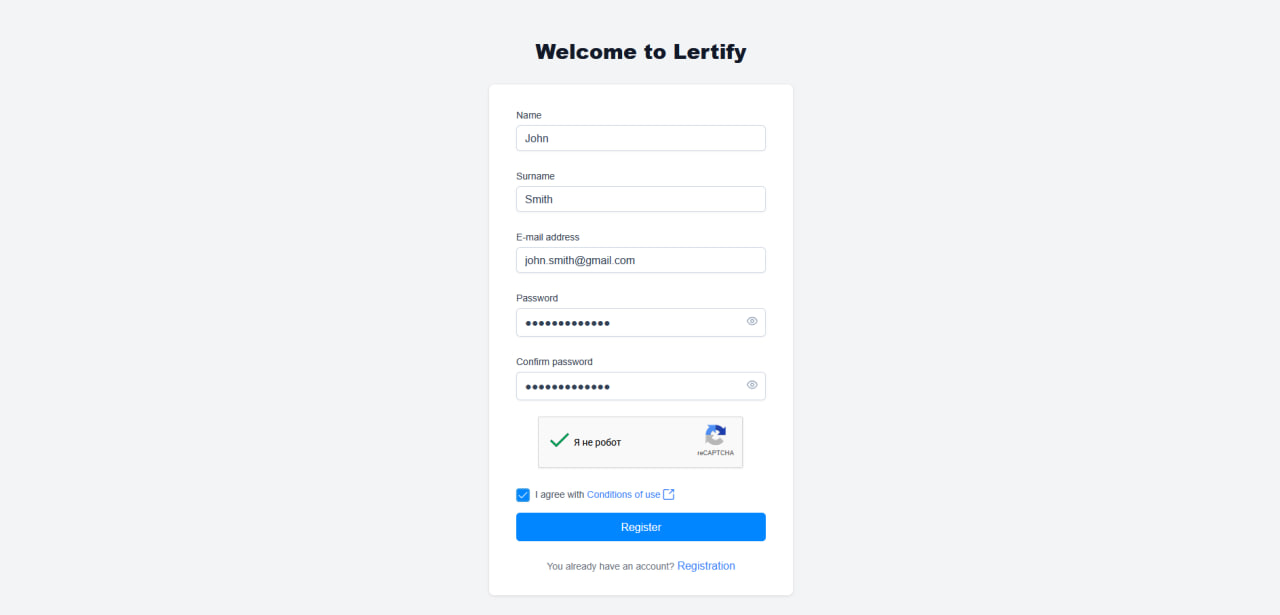
To get started, you need to create an account if you do not already have one. Enter the required information, complete the reCAPTCHA verification, and confirm that you agree to the terms of use.
Important: The password must contain at least 8 characters, including at least one uppercase letter, one number, and one special character.
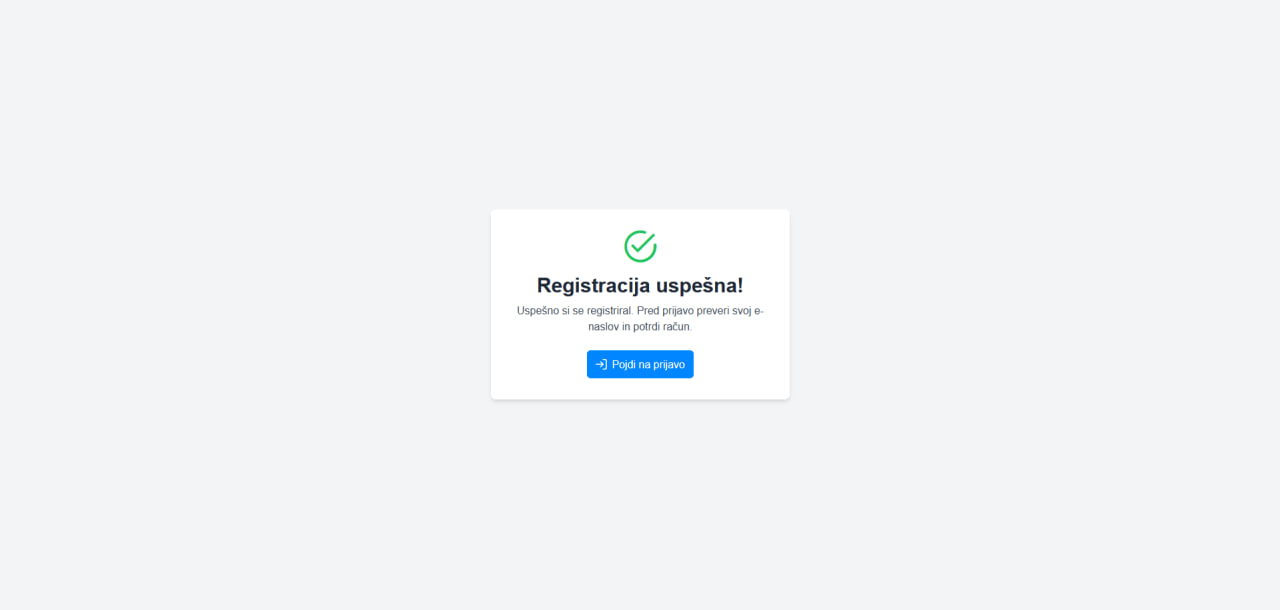
After successful registration, a notification will appear confirming that your account has been created successfully. Verify your email address using the link you received by email. You can then log in and start using the Lertify tool.
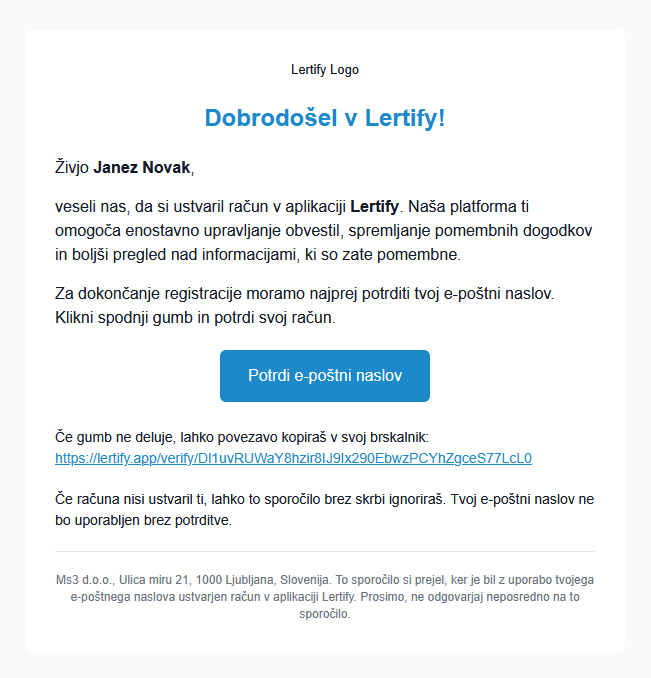
In the email you received, click the “Confirm Email Address” button. After confirming your email address, you will be redirected to the login page, where you can log in to your account.
! If you cannot find the email from Lertify in your inbox, also check your “Spam” folder.
To log in, enter your email address and password.