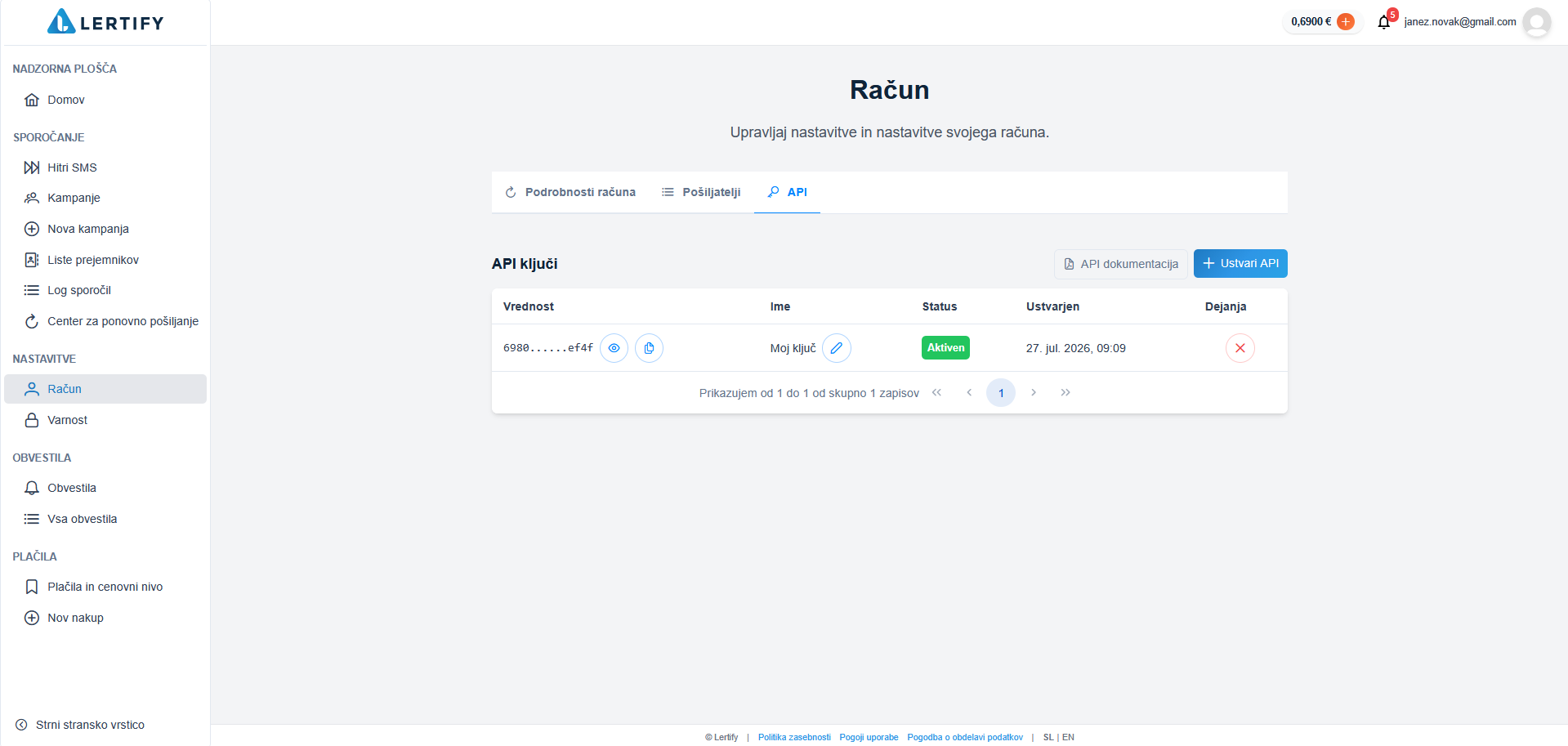
Account settings
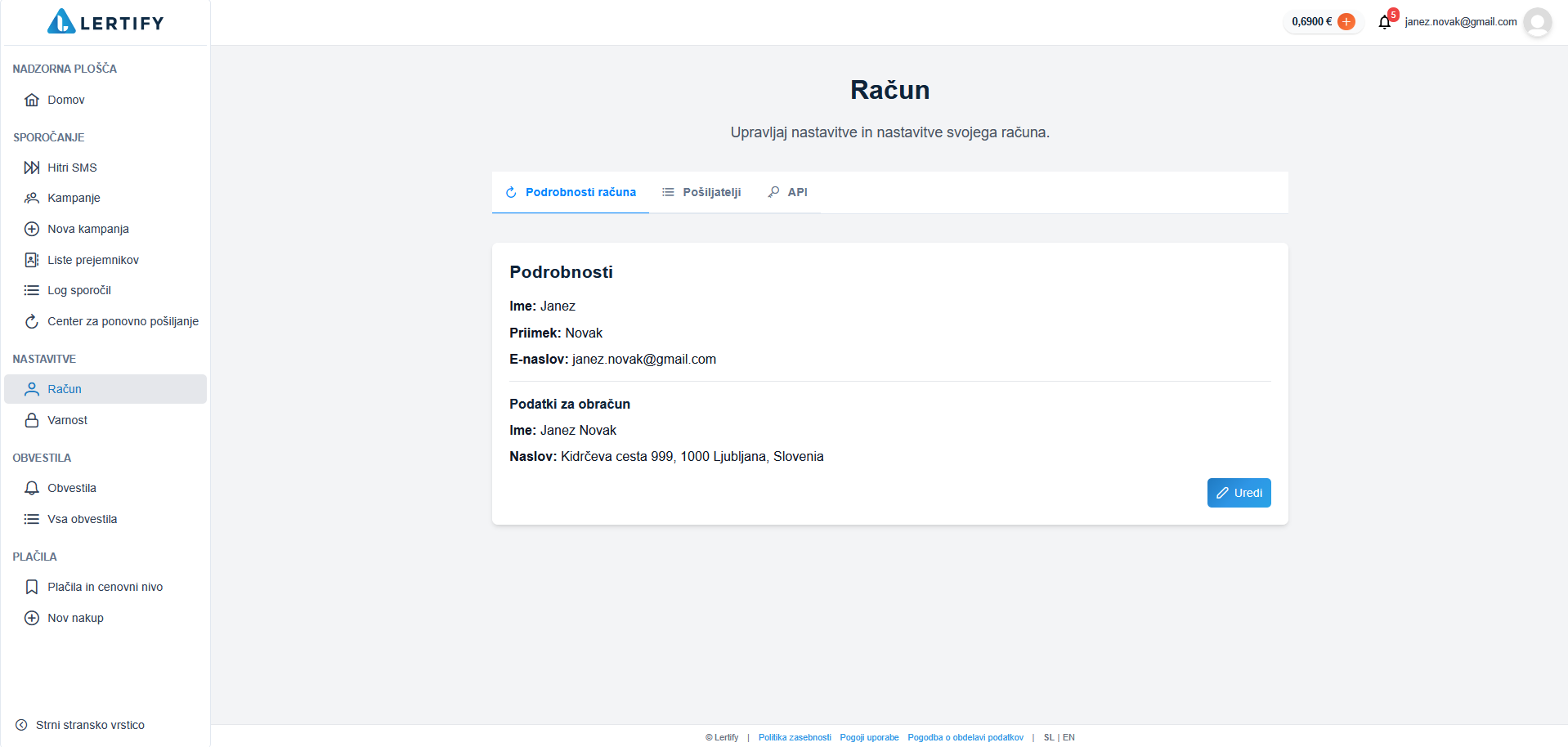
In the “Account” tab, you can change your basic information in the “Account Details” section. To do this, click the “Edit” button.
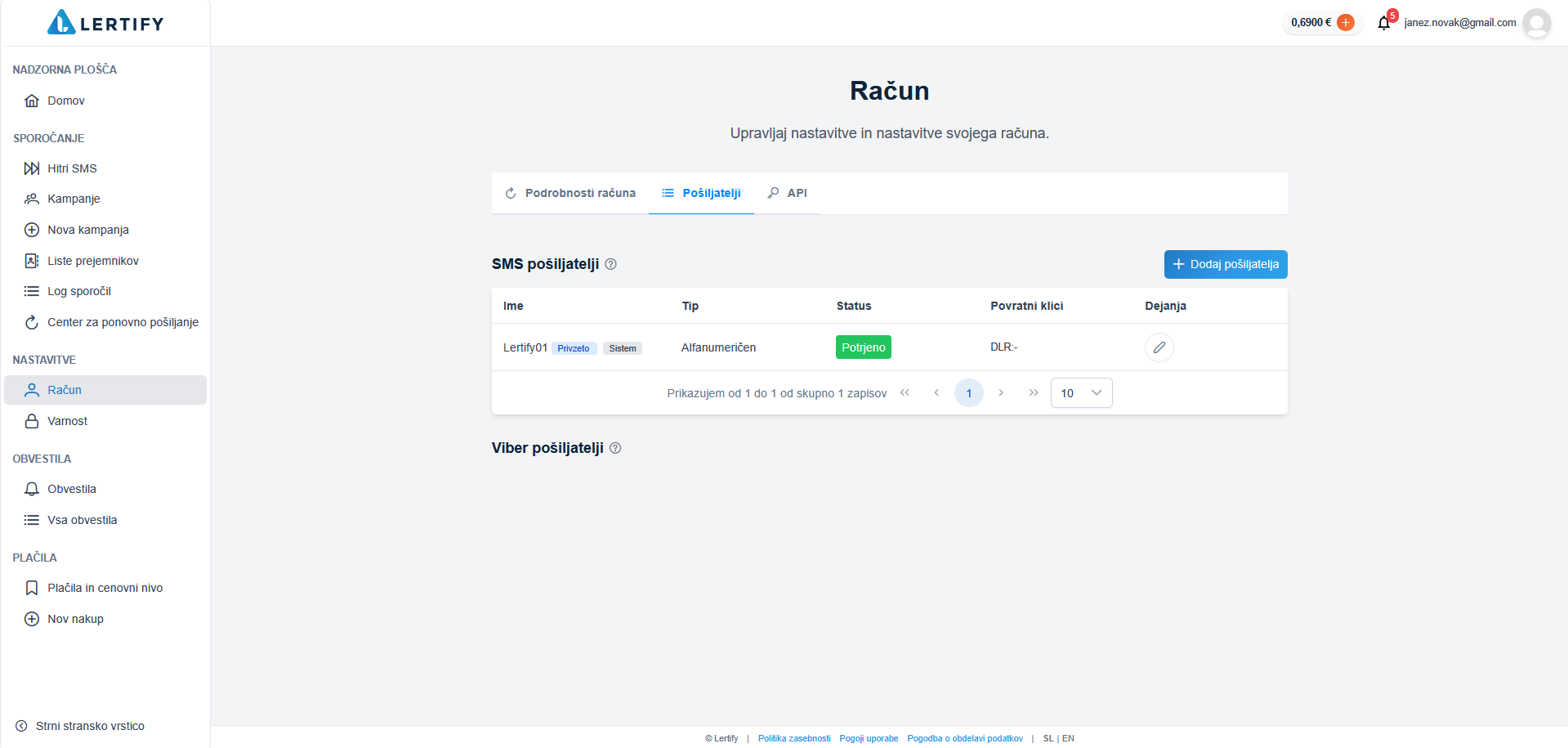
In the “Senders” tab, you can add or remove your senders.
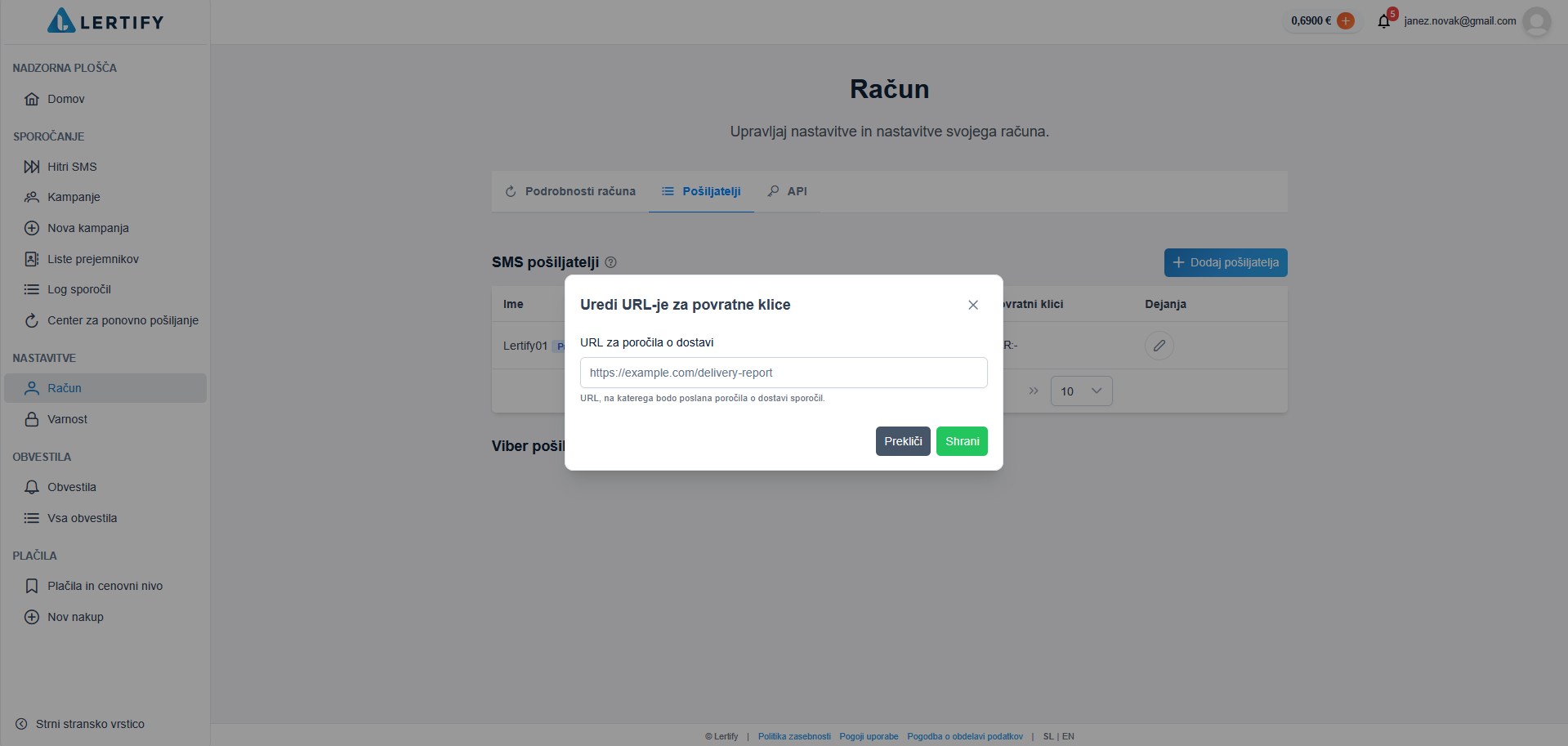
By clicking the “Callbacks” button, you can specify the URL to which message delivery reports will be sent.
In the “API” tab, you can create an API key by clicking the “Create API” button.