Sender setup
To set up a sender, select Account → Senders from the left-hand menu.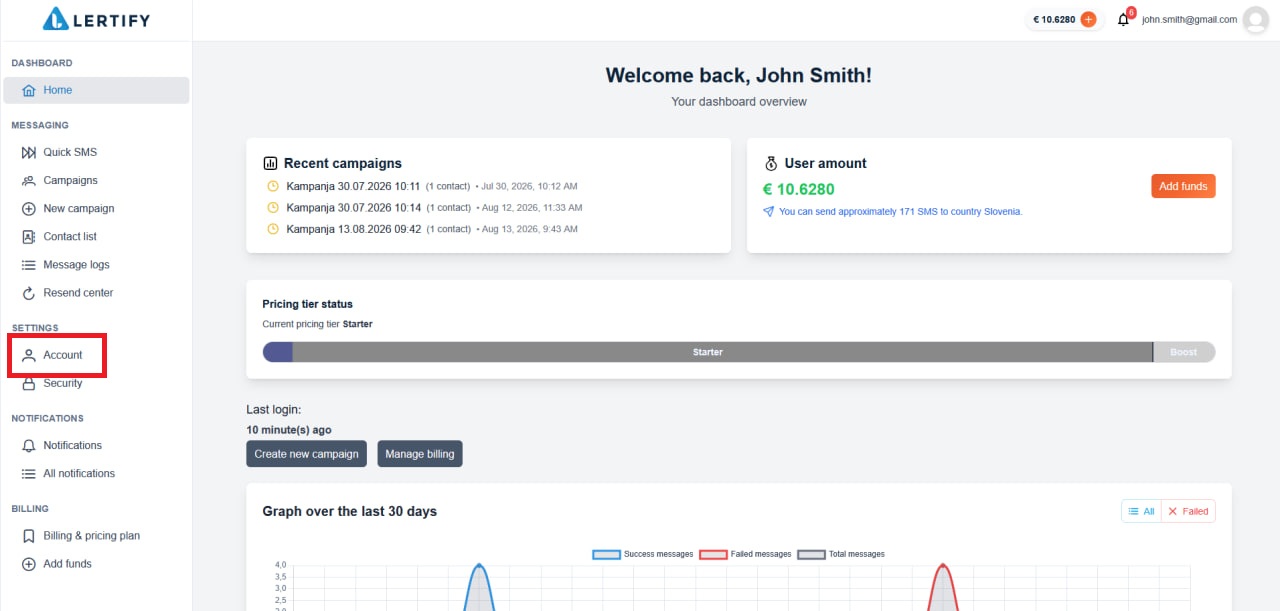 By default, Lertify is set as the sender and is intended for testing. We recommend setting up your own sender. Once you add your own sender, the default sender will be automatically removed.
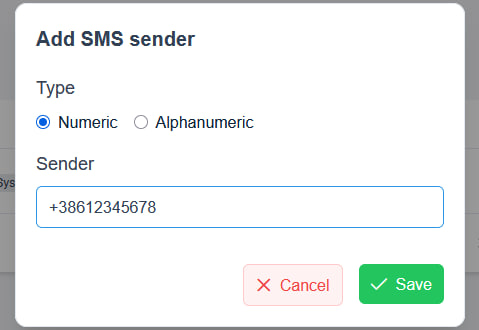
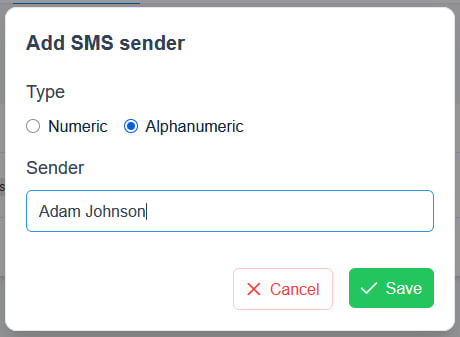
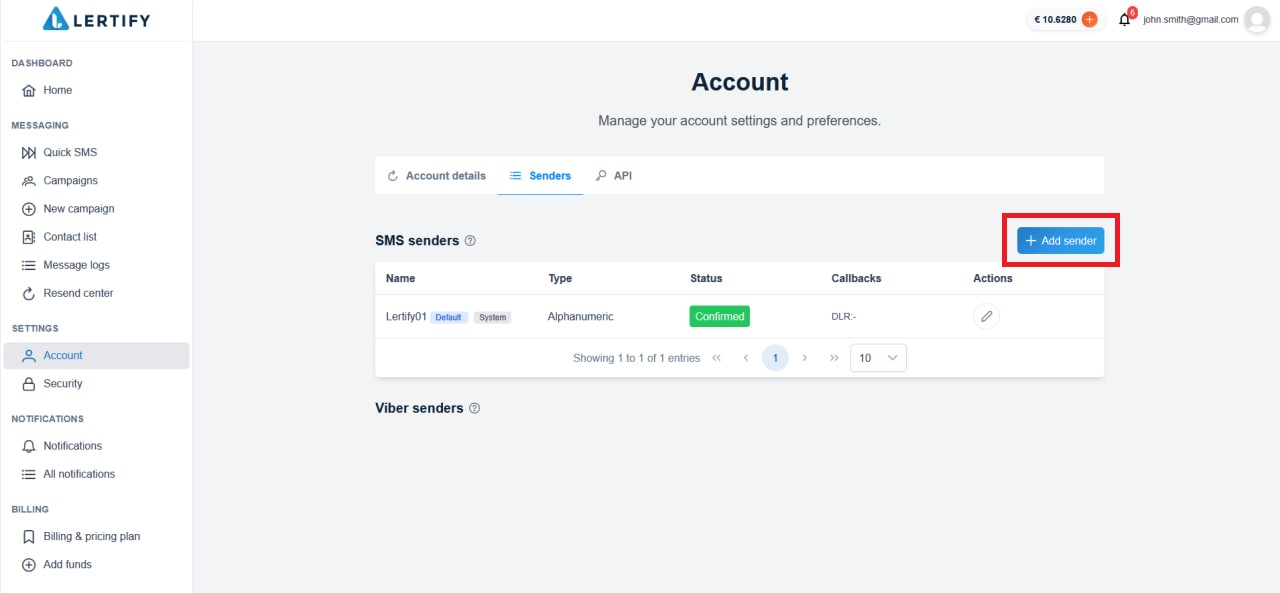 A window will then open where you can select the sender type. This determines how the sender of the SMS message will be displayed to the recipient.
- Numeric – the recipient will see the phone number you enter.
- Alphanumeric – the recipient will see the text you enter, such as a first name, last name, or company name.